Audit Trail Icon: System Wizard Function

System Wizard Audit Trail

Filters

The System Wizard Audit Trail function offers the following filtering options:

Function

Description

User

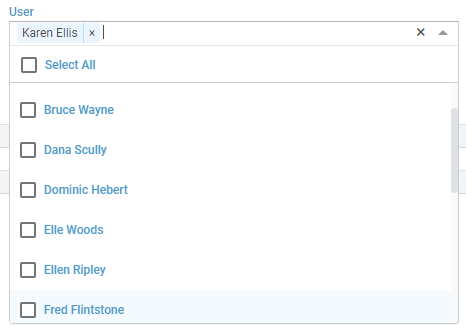
Selects which Users Audit Trail to view

Action

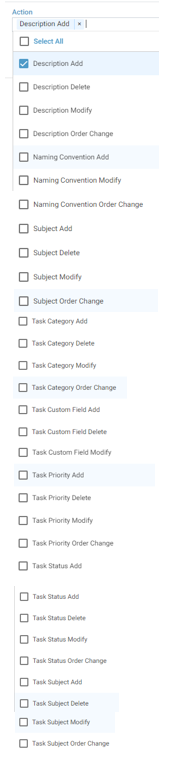
Selects the individual action to be displayed in the Audit Trail listing

From Date

Allows the user to select the commencement date of the Audit Trail date range required

To Date

Allows the user to select the end date of the Audit Trail date range required


Information can be filtered using the User and Action fields as well as filtering by a specific Date Range as pictured below.

Filter Options

1. Action Filter
2. User Filter
3. Date Range Filter



Was this article helpful?

That’s Great!

Thank you for your feedback

Sorry! We couldn't be helpful

Thank you for your feedback

Let us know how can we improve this article!

Select at least one of the reasons
CAPTCHA verification is required.

Feedback sent

We appreciate your effort and will try to fix the article