Additional Audit Trail Functions
Each of the Audit Trails previewed have additional functionality:
The Audit Trails offer the following additional options:

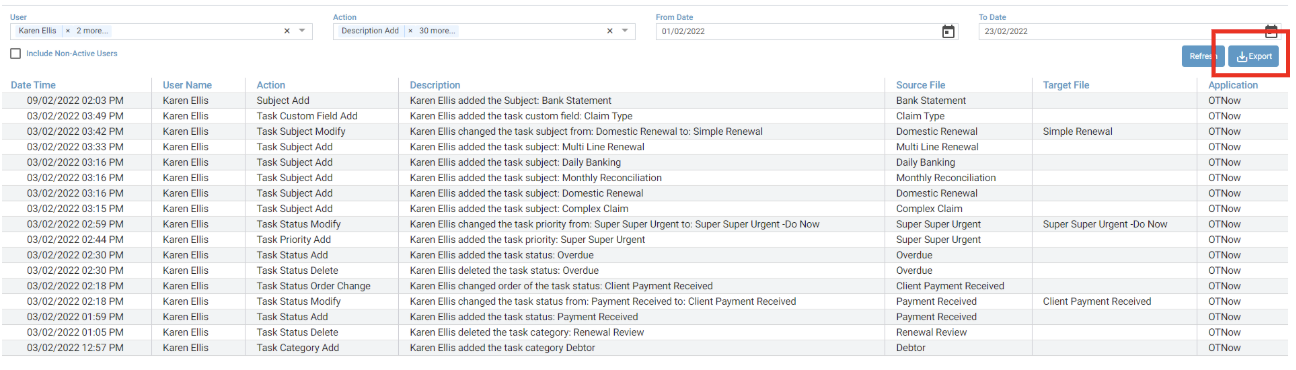
To Export your results list:
Once you have filtered and have your desired audit results, click Export
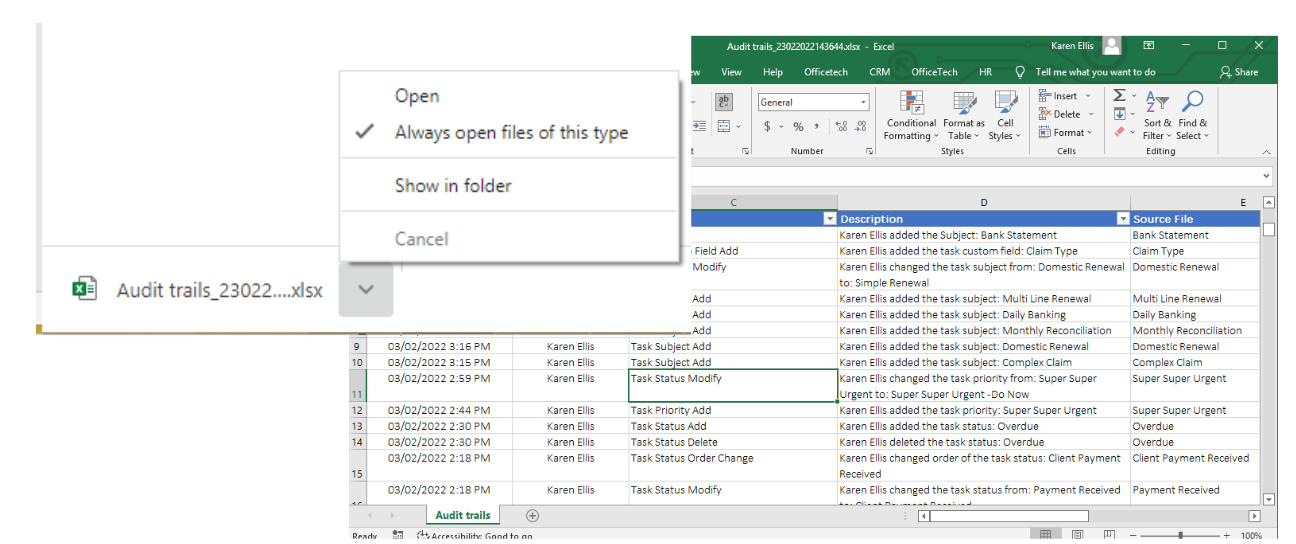
Depending on your Internet browser the file will appear in the downloads section either at the bottom or the top of your screen, select Open to the file and the file will open as a new file for you to review.
Was this article helpful?
That’s Great!
Thank you for your feedback
Sorry! We couldn't be helpful
Thank you for your feedback
Feedback sent
We appreciate your effort and will try to fix the article