For cases like this, JAVLN has a Client Merge function that you can use to combine duplicate clients.
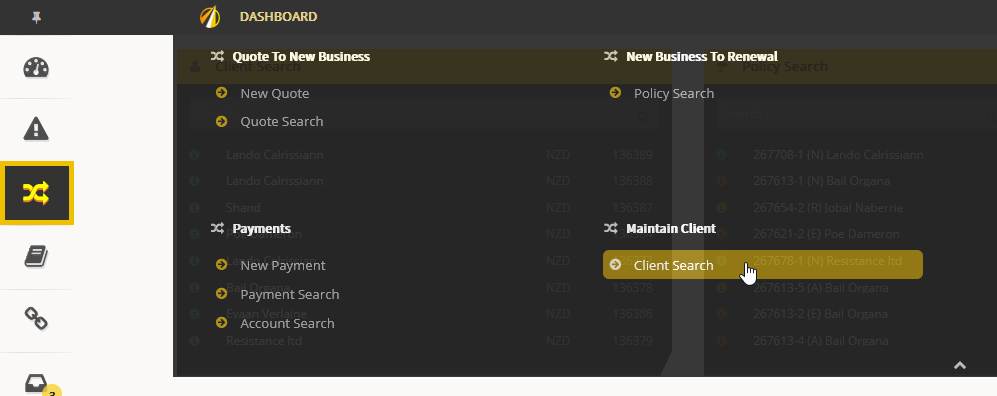
Proceed with a Client Search:
Find the duplicate client:

If you have permission to merge, you should be able to see the "Merge?" check-boxes:

Tick the one belonging to the Primary Client (the one you intend to keep). A lock will appear:

Tick the checkbox on the Client you want to be merged:

By pressing Confirm on the Popup:

The two Clients will be merged and only the main one will be available:

Be aware that all the Financial Transactions (including Quotes) will be merged as well.
If you are not able to see the "Merge?" check-boxes, your User permissions may need to be updated by the JAVLN Team.
(System Parameters>System>Role_Client_Merge)
Was this article helpful?
That’s Great!
Thank you for your feedback
Sorry! We couldn't be helpful
Thank you for your feedback
Feedback sent
We appreciate your effort and will try to fix the article